Compare an 8k budget with a 1k budget
Smaller budgets reduce prefill time at the cost of historical completeness. This experiment shows what the 1k budget removes from a 7,099-entry chart.
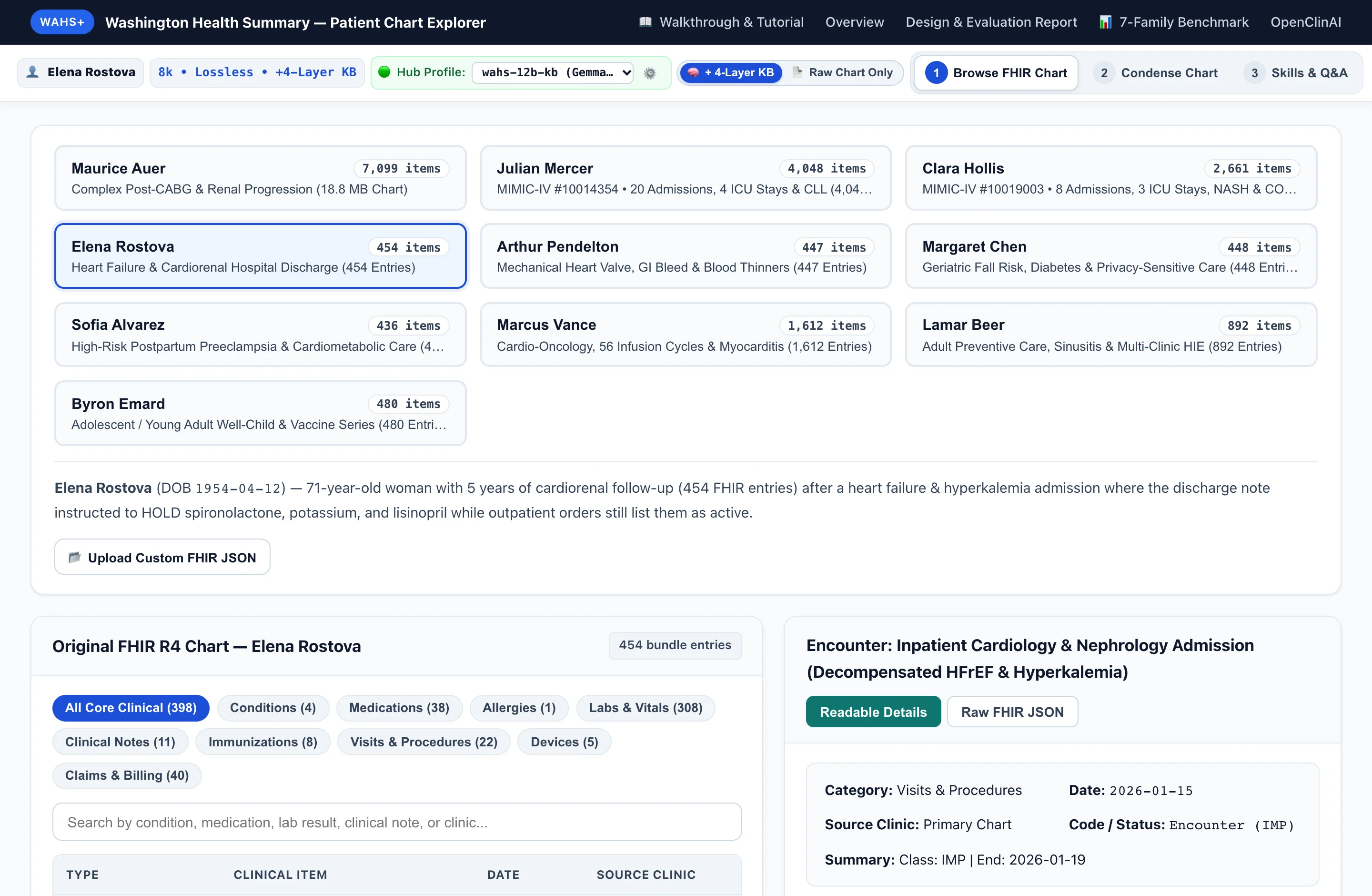
- In Step 1, select Maurice Auer (7,099 items).
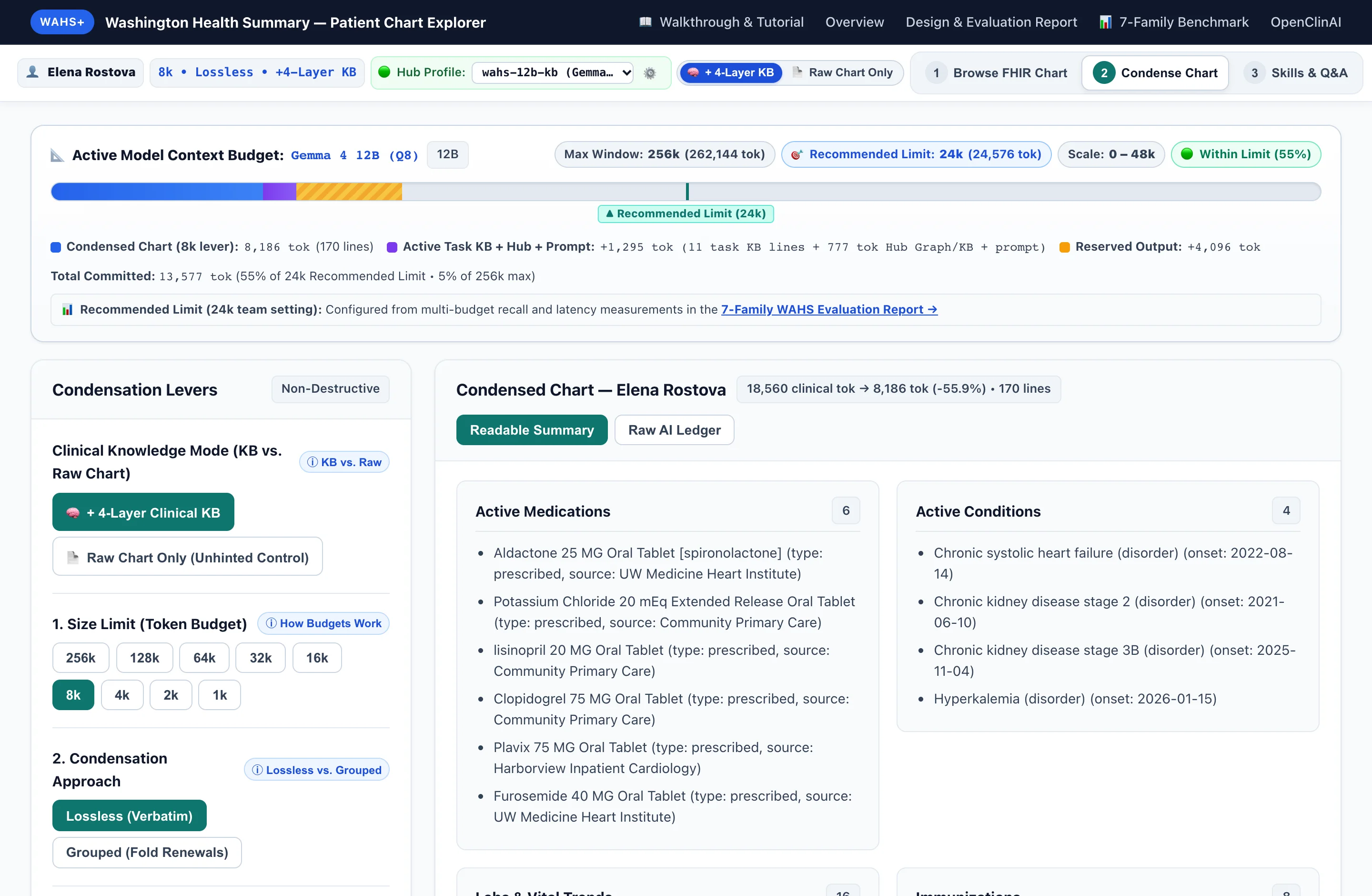
- In Step 2, select 64k, 8k, and 1k in turn and compare the condensed-chart bar in the context gauge with the 24k Recommended Limit marker of the default profile.
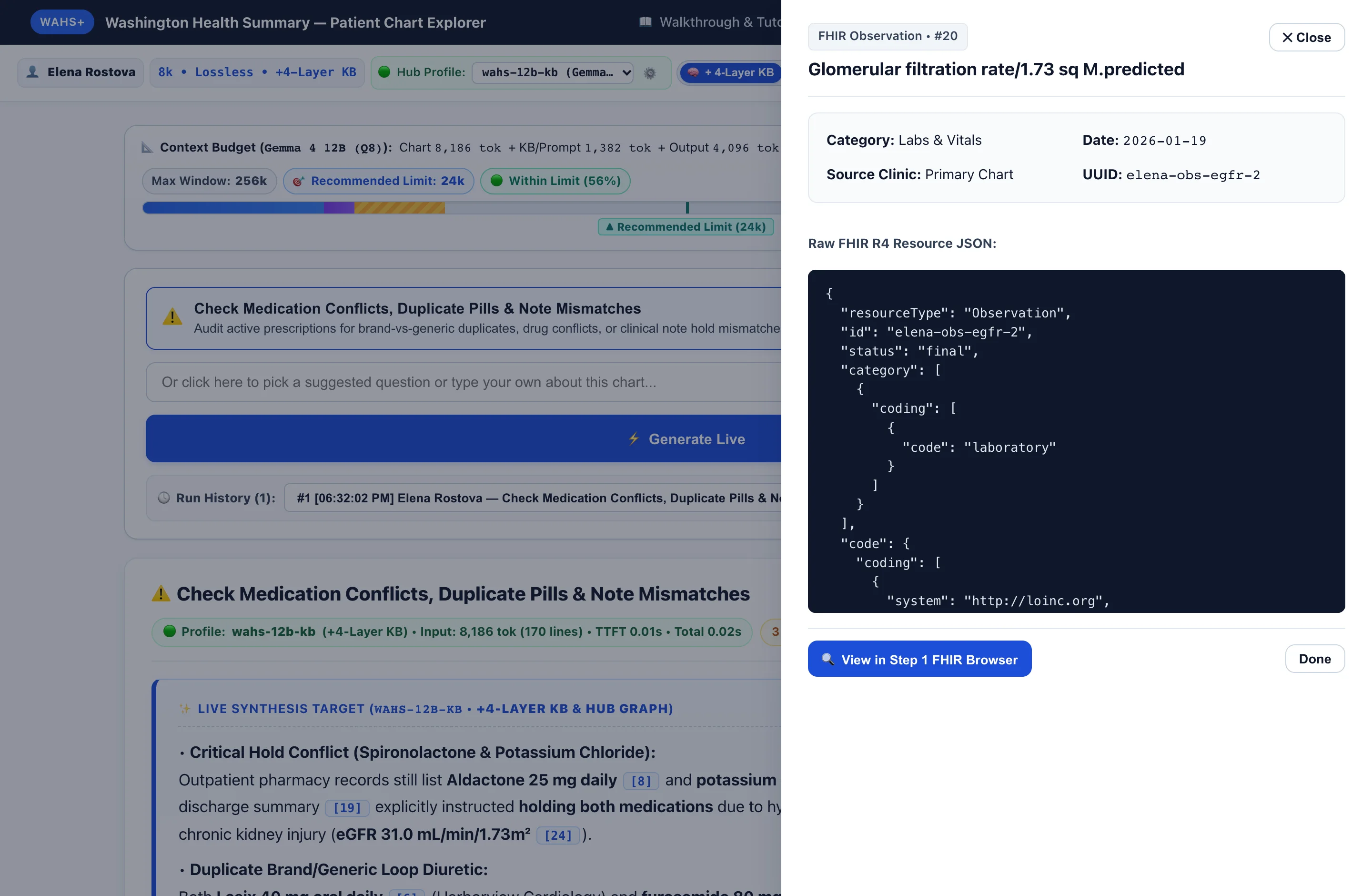
- With 8k selected, go to Step 3, keep Prepare My Next Doctor Visit Summary selected, and select Generate Live. Note the input token and line counts on the result card.
- Return to Step 2, select 1k, and generate again in Step 3.
Expected result: At 1k, the chart is reduced from 251,641 extracted clinical tokens to about 902 tokens (15 lines). Over 2,400 items are trimmed, including 9 active conditions and 8 active medications. The trimmed-items panel in Step 2, and Advanced View in Step 3, list the omitted counts by category. Med Agent Hub uses these counts to retrieve question-relevant trimmed items on demand (Tier-0 overflow recovery).